Shaping RP output with skills
Skills are knowledge packs your agents read on demand. The director hands each dispatched sub-agent (intent_scout, voice_critic, plot_brainstormer, ...) a short list of "skills you're allowed to consult" plus a few tools to pull a skill's content when relevant. That's the whole mechanism.
The hard part is writing a skill that actually changes how the agents write. Luker ships about two dozen as a starting point — director-character-voice-zh, for example, is the rule that every character (including cold archetypes like androids and three-no types) must be written as a living being first; it bans observation/analysis verbs at emotional moments and prose like "she noted that his pupils dilated". It's already pinned in the default director profile, so every dispatch sees it.
When the bundled set doesn't cover a discipline you care about, you add your own. Two paths: let the AI Iteration Studio write one for you (recommended), or write it by hand.
Let the Studio write it
Open the AI Iteration Studio from the orchestrator panel.
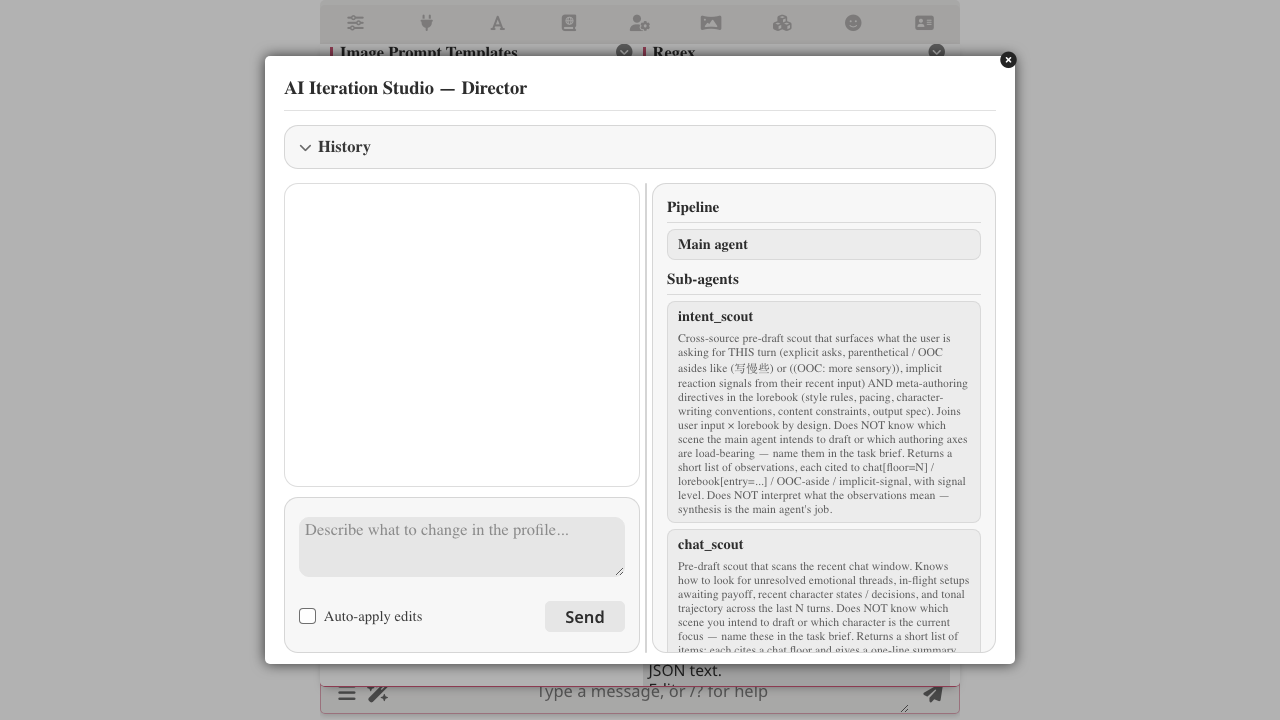
Type what you want in the composer — a plain sentence:
Write a skill that keeps the director from stiff translated-Chinese phrasing — no "当……的时候" stem, no "——" dash-splitting sentences, prefer "是吧" over "是吗"。Make sure every agent in director mode sees it.
Hit Send. The Studio drafts the SKILL.md, installs it, and (because you mentioned it) attaches it where every agent will see it. Each action shows up as a green ✅ chip you can expand:
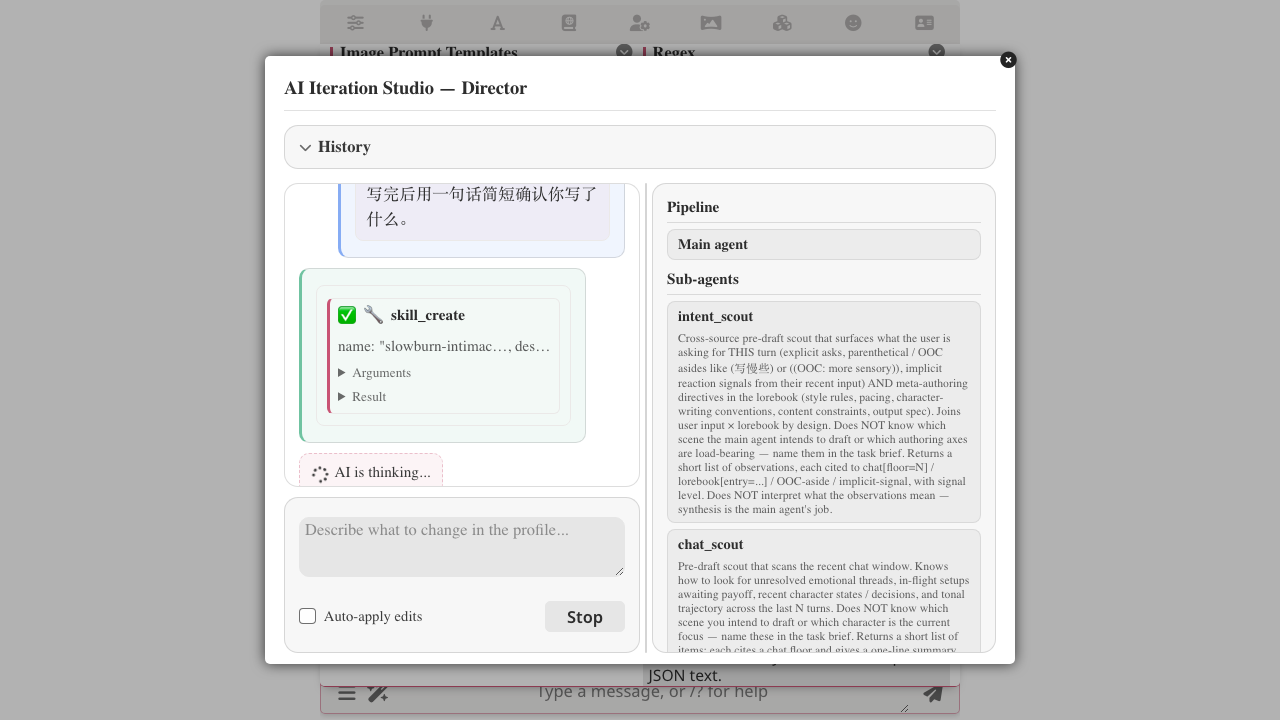
The next time you send any RP message, the relevant sub-agents (in this case voice_critic) see the new rule in their visible list and consult it during the run.
To refine the skill (add a rule, loosen a constraint, rename), keep talking in the same session. Each change still goes through approval — nothing lands until you accept it.
Write it by hand (advanced)
Useful when you already know which sections you want, prefer typing the Markdown yourself, and don't want an LLM padding it.
In the orchestrator panel click Manage skills…, then Create new. Fill in name / description / scope and the flow lays down a template SKILL.md and opens the inline editor:
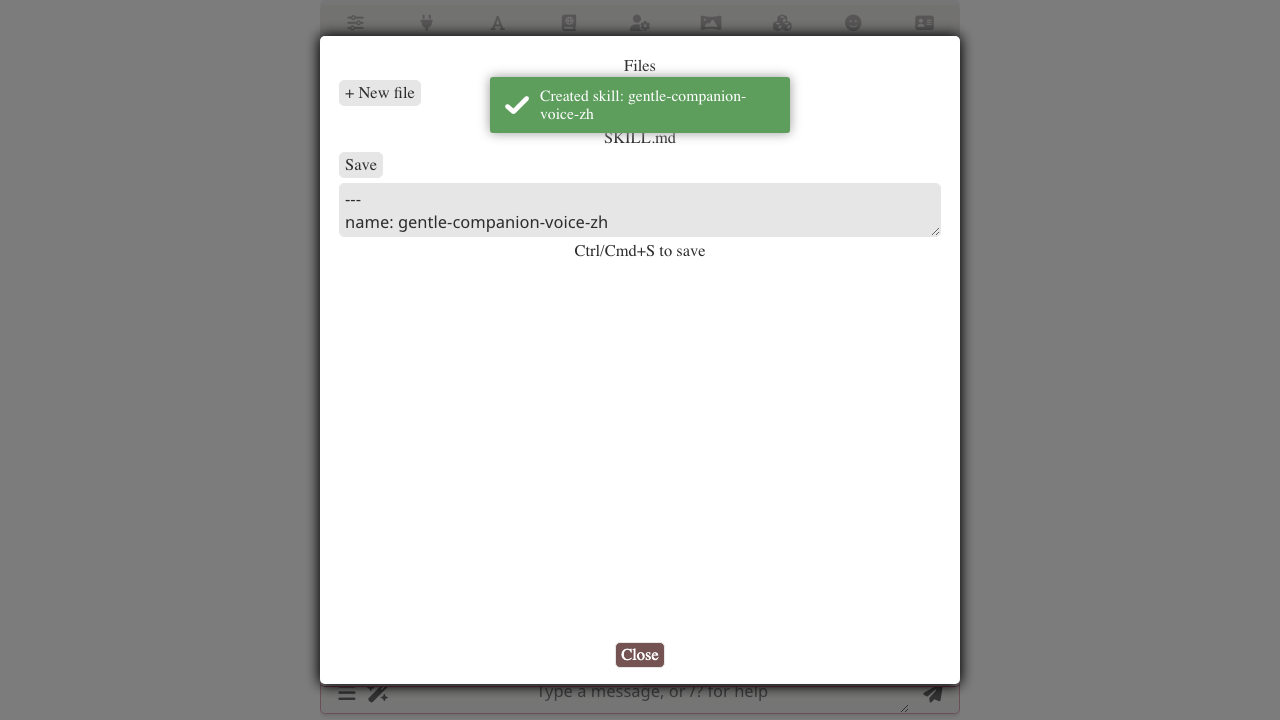
Replace the template body with what you want. For shape, open any bundled skill as a reference — they use bilingual sections, ✗ / ✓ example contrasts, and a Self-check block at the end. Save, then go back to the director editor and add the new skill to its visible list.
Full UI walkthrough lives in skill management.
Related
- Skills overview — what a skill is, scopes, how agents read them
- Skills in the orchestrator — making a skill visible to a particular agent
- AI Iteration Studio — full Studio capabilities
- Authoring skills — SKILL.md format, frontmatter, multi-file